
Welcome to NDGURU Platform we are thrilled to announce that NEB board has published the SEE Result. We are providing the the result checking procedures step by step for our students. Best of Luck
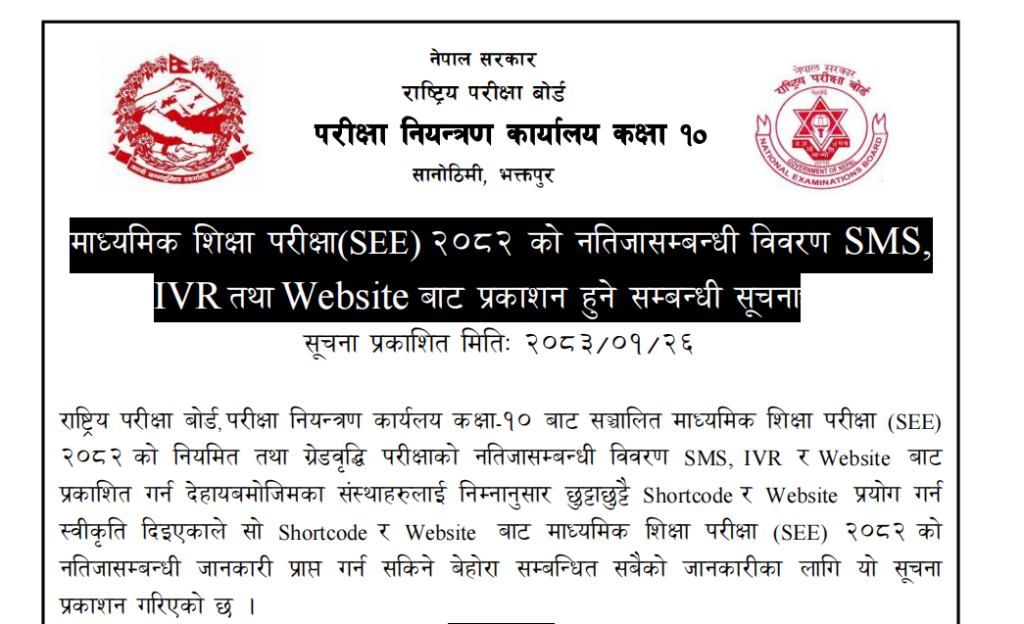
NEB Has Published Class 10 (SEE Result) 2083
Official Evaluation: Letter Grading Directive 2078
CHECK SEE RESULT 2083 NOW
*You will be redirected to the official Nepal Telecom portal.
How to Check SEE Result (Step-by-Step)
- 01. Visit the official portal: see.ntc.net.np
- 02. Enter your Symbol Number (e.g., 0123456J).
- 03. Enter your Date of Birth in YYYY/MM/DD format.
- 04. Click “Search” to view your marksheet instantly.
Official Grading System (2078 Directive)
A minimum of 35% is required in theoretical exams to avoid NG (Non-Graded) status.
| Score Range | Grade | GP | Description |
|---|---|---|---|
| 90 – 100 | A+ | 4.0 | Outstanding |
| 80 – < 90 | A | 3.6 | Excellent |
| 70 – < 80 | B+ | 3.2 | Very Good |
| 60 – < 70 | B | 2.8 | Good |
| 50 – < 60 | C+ | 2.4 | Satisfactory |
| 40 – < 50 | C | 2.0 | Acceptable |
| 35 – < 40 | D | 1.6 | Basic |
| Below 35 | NG | — | Non-Graded |
Frequently Asked Questions
1. What does “NG” mean?
NG stands for Non-Graded. It means you scored below 35%. You must take a grade improvement exam for higher studies.
2. What if the website is slow?
Try the SMS method: Type SEE [Symbol-Number] and send to 1600.


See results ntc